Connecting Stripe to Accept Payments
NotJustCars uses Stripe to process payments. Connecting your Stripe account takes about 5 minutes and is required before clients can book and pay online.
Why do I need Stripe?
When a client books, Stripe handles the card payment securely. The money goes directly into your bank account — NotJustCars never holds your funds. A small 1% platform fee is deducted automatically by Stripe before the payout. Without Stripe connected, clients cannot complete a booking.
Step 1: Start the Connection
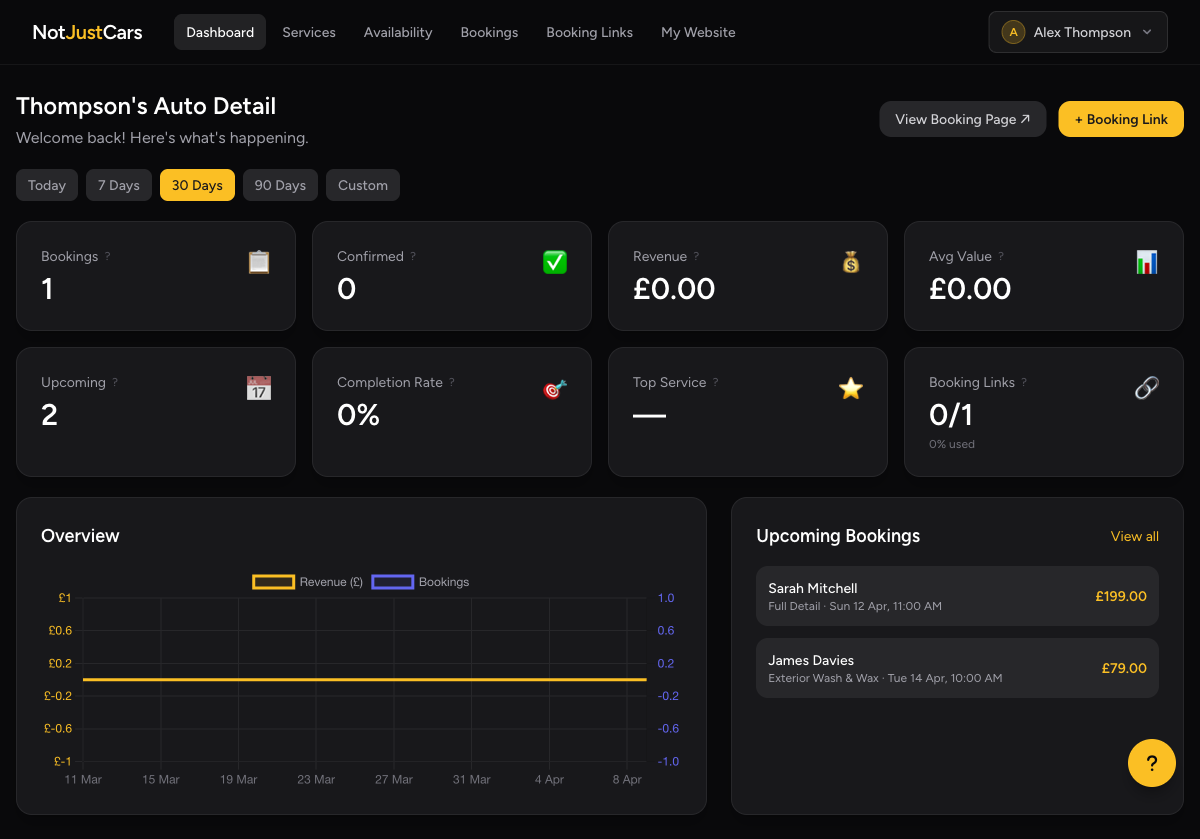
From your dashboard, look for the Connect Stripe prompt in your onboarding checklist. You can also find it at any time by clicking your name in the top-right corner → Business Profile.
Step 2: Complete Stripe Onboarding
You'll be redirected to Stripe's secure website. Stripe will ask for:
- •Your personal details (name, date of birth, home address)
- •Your business details (if applicable)
- •Your bank account details for payouts
- •Identity verification (photo ID)
This is Stripe's standard onboarding — NotJustCars never sees your bank details. Stripe is trusted by millions of businesses worldwide and is fully FCA-regulated.
Step 3: Return to NotJustCars
Once you've completed Stripe's form, you'll be redirected back to NotJustCars. Your dashboard will show your Stripe status as Connected.
Clients can now pay when booking. Payouts to your bank account are typically processed within 2 business days by Stripe.
Viewing Your Stripe Dashboard
To view your payouts, transactions, and account balance, click your name in the top-right → Stripe Dashboard. This opens your Stripe Express dashboard in a new tab.